WiFi QR Code Generator
Guests scan it to join your WiFi.
The QR code is made in your browser; your password is not sent to us.
No sign-up · No watermark · Never expires
Preview
Download
Scanning is not guaranteed; test the final code with your phone before printing or sharing.
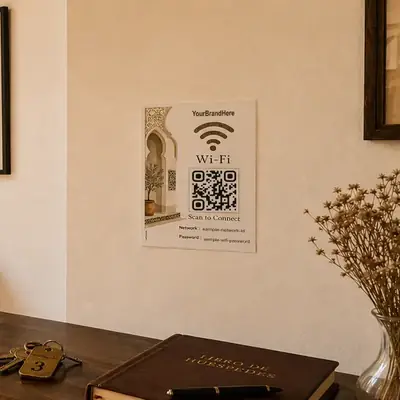
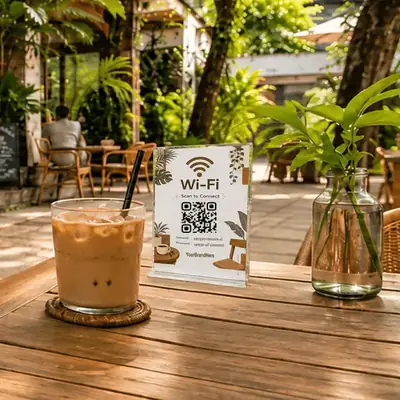
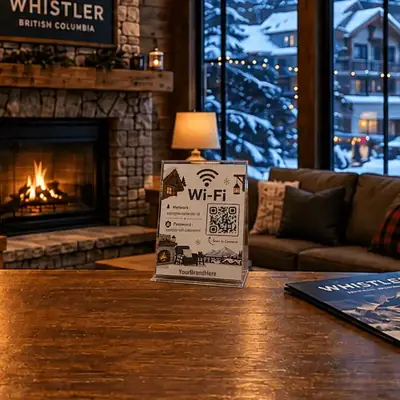
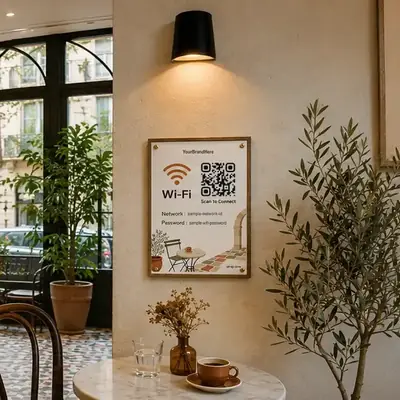
How to use
- Enter your network name and password.
- Choose the security type your router uses.
- Download the QR code and test it with your phone.
QR Code Generator OnlineQR Code Scanner OnlinevCard QR Code CreatorBulk QR Code Generator
WiFi QR code questions
Does the QR code expire?
No. It is a static QR code: the network name and password are written into the image itself, with no link to our server. It keeps working until you change the network name, password or security type; then make a new one.
Is my WiFi password sent to qrial?
No. The QR code is made in your browser. When you download it, our usage record keeps the network name and security type, and the password is replaced with ***.
Does it work for a hidden network?
Tick Hidden network. The code then marks the network as hidden, so the phone knows the network does not broadcast its name.
Which security type should I pick? What about WPA3?
Pick the one your router uses: WPA/WPA2 for most networks, WEP only for old routers, None for an open network. For WPA3, pick WPA/WPA2; whether a phone joins from the code depends on the phone, so scan it with a phone before you print it.